
GavelomixSoftware Foundry
A team gathered around a workshop table with laptops and tools

IT learning, built as work

Build software
like a foundry.

Gavelomix turns IT study into a sequence of practical work orders: inspect the material, fabricate a focused piece, measure it, and prepare a handoff someone else can follow.

FLOOR 01 / BUILD WITH INTENT
Current work order
WO-04 / Interface assembly
MaterialSemantic HTML, CSS and JavaScript
Inspection pointClear behavior at every screen size

02 / Select a work order

The order book is your curriculum.

Choose a build family. Each work order organizes learning around a specific kind of technical material and the decisions required to make it useful.

Keyboard, caliper, blank cards, cyan cable, and workshop gloves prepared as data-fabrication materials
DATA MATERIAL / CARDS, KEYS, CABLES, MEASURES
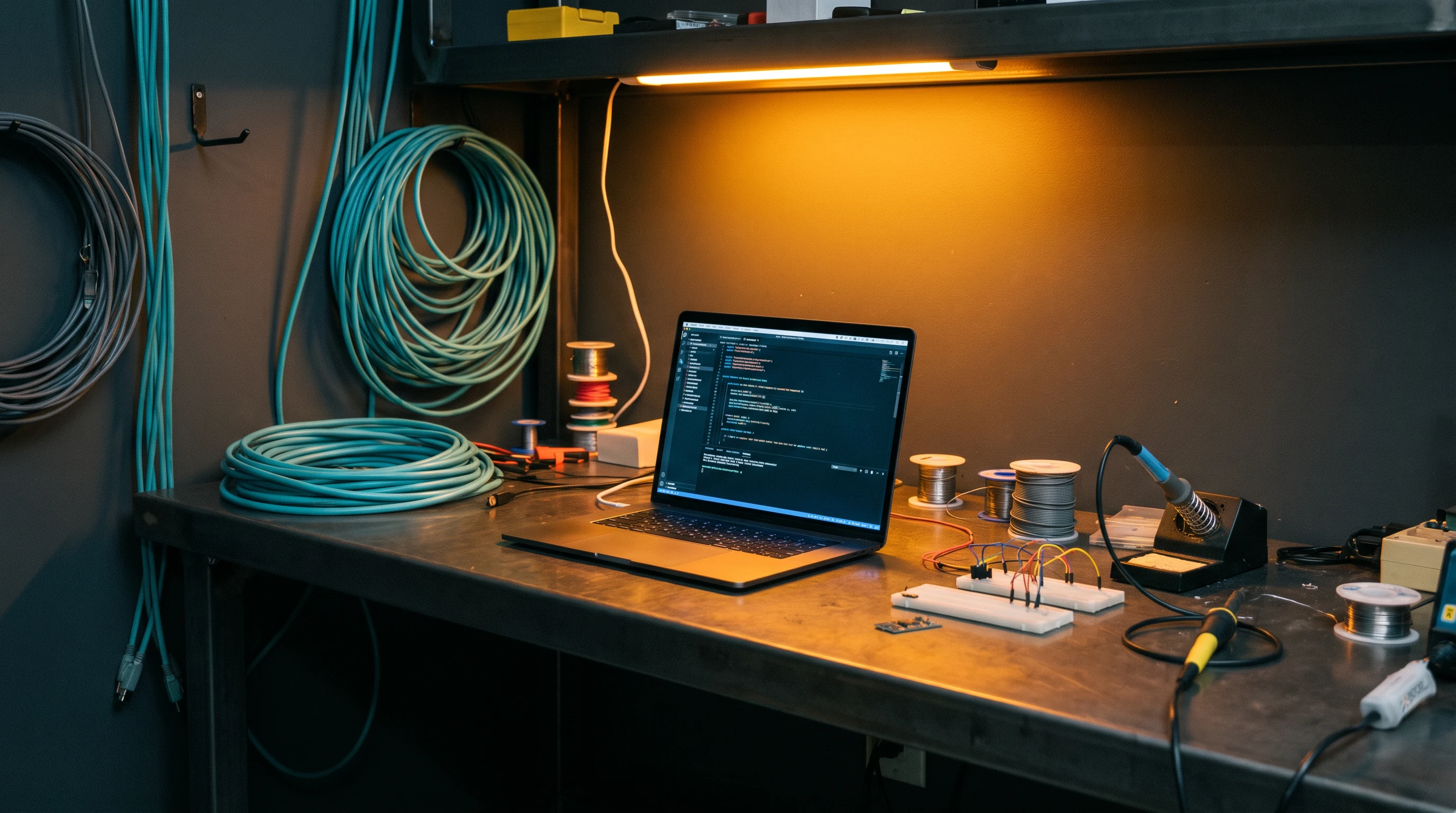
Systems assembly workbench with code on a laptop
WO-01 / Systems build

Systems Assembly

Trace a small application from a readable brief into modules, interfaces, and a reviewable handoff. This order is for learners who want structure before speed.

  • Dependency mapping
  • Interface contracts
  • Build notes
A learner reviewing materials beside a laptop at a workshop bench
MATERIALS INSPECTION
Before cutting code, check the brief.

03 / Before the build

Inspect the material before you make the part.

There is no performance theatre here. Start by naming the tools, concepts, and questions you have on the bench. These prerequisites are starting conditions, not a gate.

Read the brief

Identify the requested behavior and the constraints around it.

Set the bench

Prepare an editor, browser, and a place to write decisions.

Mark unknowns

Separate known inputs from assumptions that need checking.

Keep a log

Record changes so a reviewer can reconstruct the build.

04 / Fabrication bays

Lessons with a job on the bench.

A bay contains short, deliberate units: a material to examine, an operation to attempt, and an inspection cue that keeps the work legible.

A workshop group learning with laptops and cables
BAY A / SHARED BENCH

Map a system before changing it

Practice drawing boundaries, dependencies, and a plain-language purpose statement.

A maker working on code and plans at a steel table
BAY B / DETAIL WORK

Build a small interface

Assemble a readable component with states that do not disappear on a narrow screen.

A maker inspecting a machined component with a laptop
BAY C / AUTOMATION

Design the trigger

Turn a repeated task into a transparent sequence of decisions.

A physical gauge, keyboard, cable, and orange clamp on a workbench

05 / Quality gauge

Quality is a conversation with evidence.

Move through an inspection pass to see how Gavelomix frames quality. The gauge does not certify a learner. It makes the next useful question visible.

Source inspection — Before the build begins, name the condition of the material. Source inspection identifies what is known, what is assumed, and what must be checked before work proceeds.
Laptop showing code at an electronics machining table

06 / Machining table

Code review is a bench, not a verdict.

Bring a small piece of work to the table and identify the intent, the seam, and the thing that a future maintainer would need to know.

REVIEW CARD / UI-17STATUS: OPEN
// describe the decision, not just the action
function formatWorkOrder(brief) {
  const title = brief.title?.trim();
  if (!title) return 'Untitled work order';
  return title;
}
  • Can a reader state what this function protects against?
  • Does the name expose the operation without opening the body?
  • Is an assumption recorded where the next builder will find it?
Supervisor leading a worktable discussion in a workshop

07 / Shift supervisor clinic

Bring the blockage to the table.

A clinic is a structured conversation for work that will not move: an unclear brief, a stubborn interaction, a tangled process, or a handoff that feels incomplete.

State the build goal in one workable sentence.
Show the smallest piece that is blocking progress.
Leave with a next inspection, not a borrowed answer.

08 / Build dispatch

Choose the next piece, then send it to the bench.

The queue is a practical way to move through course work. Select work that matches the material in front of you; do not treat the list as a race.

QUEUE / THIS SHIFT3 CARDS
01

Read a system

Map inputs, outputs, and ownership.

READY
02

Cut a component

Build one responsive interface piece.

BENCH
03

Record a handoff

Write the next check and the reason for it.

HOLD
Hands sorting work cards beside a keyboard and network cable
Sequence the work; keep the decisions visible.
Brass disc and cyan material held by an orange workshop clamp
CRATE 09
HANDOFF MATERIAL

09 / Crate & handoff

Pack the work so it can travel.

A course closes with a handoff note: what was made, what choices matter, what remains unresolved, and what a future builder should inspect first. That record is part of the work, not an afterthought.

10 / Floor notes

Questions from the bench.

Short answers are useful in a machine manual. These answers take the time needed to explain how the foundry approach is meant to be used.

No. The foundry language is a way to organize learning, not a requirement to arrive with industry experience. A beginner can use it to make small, explicit decisions, while a more experienced learner can use the same process to investigate a difficult integration, review a legacy pattern, or document a complex handoff with greater care.
A work order gives a bounded technical situation rather than an abstract topic alone. It identifies the material to examine, the operation to attempt, the constraints that matter, and an inspection prompt. The goal is to make your reasoning visible while you build, so that a completed exercise contains more than an unlabelled collection of files.
Most early work can be done with a current browser, a text editor, and a dependable way to save notes. Some work orders may name a specific tool or environment when it is relevant to the material. Gavelomix treats tool setup as part of preparation and explains why a tool is being used instead of presenting software choice as a badge of expertise.
Use the gauge to pause at three moments: when you are interpreting a source, when you are comparing a build to the brief, and when you are preparing someone else to continue the work. It does not grade you or forecast a result. Its purpose is to prompt an evidence-based conversation about what is present, what is missing, and what should be checked next.

11 / Job card

Put a question on the board.

Tell us what you are trying to build, study, or untangle. This browser-only job card is a demonstration form; it does not transmit your details.

Read how this site handles privacy
Job card marked for follow-up in this browser. No message was sent or stored by this demonstration site.